

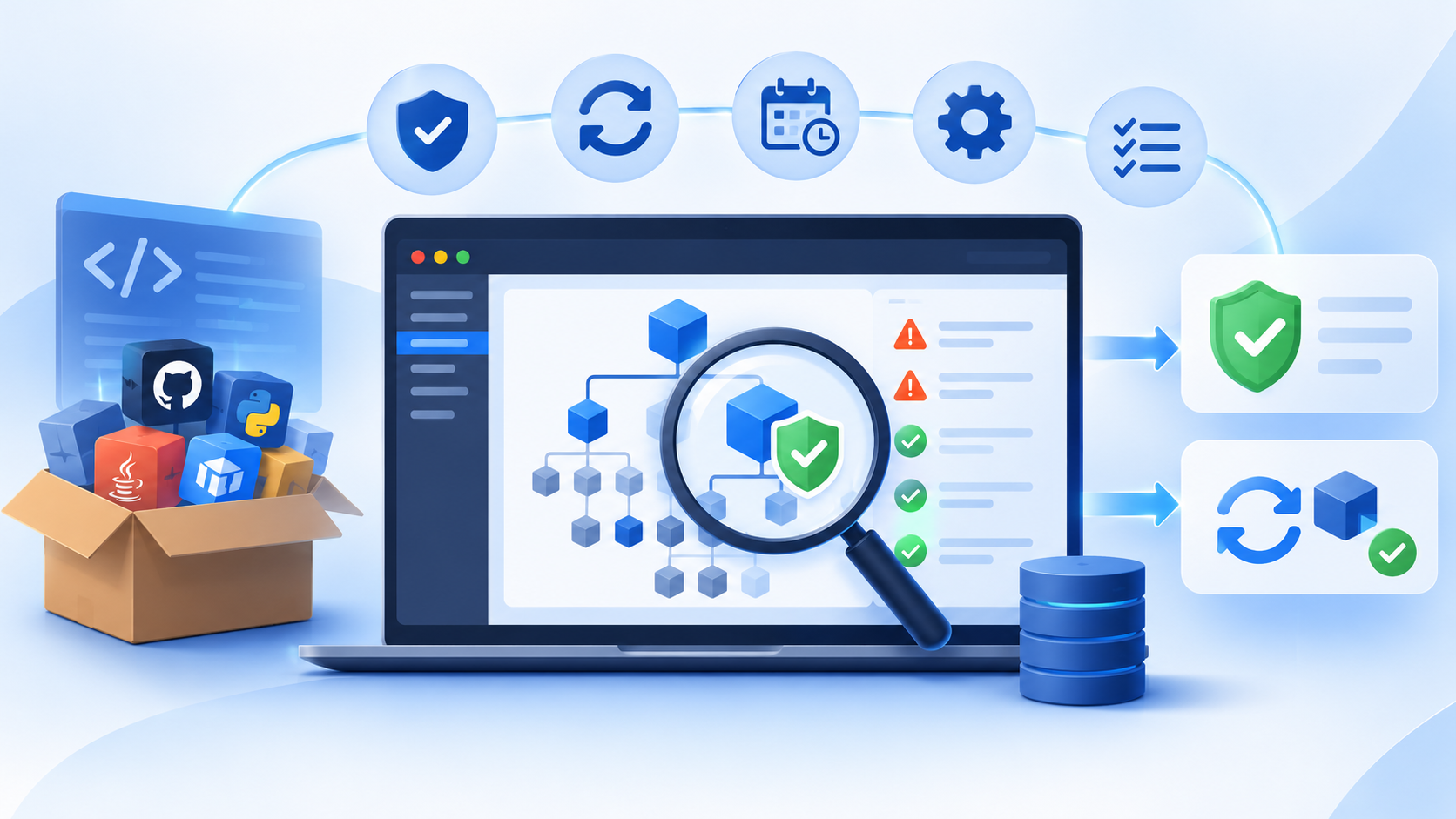
For the most accurate component, version and dependency results in CAST Highlight, scan as close to the build as possible: use the package manager and its repositories, and limit the scan to the application’s own source code. This guide explains how CAST Highlight Automation Command Line options affect the open-source components, frameworks and CVEs shown in the CAST Highlight portal, which options to use for each technology, and how to troubleshoot unexpected results.
Best practices
The table below gives the most direct approach for each context.
| Context | Recommended | Avoid |
|---|---|---|
| All projects | Exclude build directories (target, build, bin, obj) with --ignoreDirectories / --ignorePaths. Keep external .jar / .dll files that are not managed by Maven or NuGet. |
Scanning build directories: this produces duplicate components and an inconsistent dependency tree. |
| Java (Maven), scanning in the build environment | --packageManager mvn@… with the same profiles and properties as the actual build. This is the most important option. It requires the local .m2 repository, so combine it with --mavenRepository. |
--fingerprints |
| Java (Maven / Gradle), outside the build environment, dependency resolution possible (Internet access, private Maven mirror) | --packageManager [3]. If the default plugin version fails, force version 3.7.0 or later [2]. |
Scanning without a repository or --packageManager: versions and dependency tree will be approximate. |
| Java (Maven / Gradle), dependency resolution not possible | Scan configuration files only. Versions and the dependency tree will be approximate. | --fingerprints: adds noise and distorts dependency levels. |
| JavaScript (npm / Yarn) | Commit lock files to source control and include them in the scan [1]. | --includeAllDependencies |
| .NET (NuGet) | --nugetRepository, after restoring packages on the scanning machine. |
--fingerprints |
| Products without a package manager | --fingerprints: the only case where enabling it is useful. |
— |
| Reducing CVE false positives | --excludeInferredCVE, accepting that unverified CVEs will no longer be reported. |
— |
Command-line options
These optional CAST Highlight Automation Command Line (HighlightAutomation.jar) options control how components, their versions and associated CVEs are detected.
| Option | Technology | Effect | Recommendation |
|---|---|---|---|
--mavenRepository <path_to_m2> |
Java (Maven) | Uses the local Maven repository to detect components and their versions more accurately. | Recommended. Use whenever possible for Maven-based applications, preferably in the build environment. Combine with --packageManager for greater accuracy. |
--nugetRepository <directory> |
.NET (NuGet) | Uses the local NuGet package repository to detect component versions more accurately. | Recommended for .NET applications, after restoring packages on the scanning machine. |
--packageManager <spec> |
Maven, Gradle | Calls the specified package manager to discover dependencies [3]. | Recommended when dependencies vary by build profile or property: use the same ones as the actual build. Gives results closest to the application build. |
--packageManager mvn@org.apache.maven.plugins:maven-dependency-plugin:<version>:tree |
Java (Maven) | Runs the Maven Dependency Plugin [2] directly from the scan, instead of dependency:tree (where Maven chooses the version). Can be combined with @-P#… and @-D#…. |
Use when the default plugin version does not work with your project or is not available in your organization’s Maven repository. Example: mvn@org.apache.maven.plugins:maven-dependency-plugin:3.7.0:tree |
--includeAllDependencies |
JavaScript (Node.js) | Disables automatic filtering of indirect dependencies found in node_modules: all of them are reported. | Not recommended. Lock files are more effective because they reflect exactly what npm / Yarn resolved, and both tools recommend committing them with your sources [1]. If enabled, results may include components that are not actually used, or versions other than the ones in use. |
--fingerprints |
All | Maps all fingerprints in the scan result. By default, only library files are mapped. This option does not change what is sent to the portal, only how it is processed. | Not recommended, especially together with --packageManager and/or --mavenRepository (see When to use –fingerprints). |
--excludeInferredCVE |
All | Excludes inferred CVEs: only verified CVEs are reported. | Recommended to reduce false positives. Trade-off: real but unverified vulnerabilities will no longer be reported. |
Impact of non-recommended options in the portal
| Option | Impact in the Highlight portal | Interaction with recommended options |
|---|---|---|
--includeAllDependencies |
The portal shows components present in node_modules that are no longer used, and older versions that npm / Yarn resolution rules have replaced. For example, a component may appear with two versions when only one is loaded, or test-only components may be listed. | Use lock files instead [1]. |
--fingerprints |
Adds a component as soon as one or more of its source files is present. This detection ignores dependency logic, so these components have no dependency level. | Conflicts with --packageManager and --mavenRepository: components or versions excluded by dependency resolution may reappear. When the same component is detected by both methods, the display can be inconsistent, for example showing it both as a dependency and as a directly imported component. |
When to use –fingerprints
Enable --fingerprints only for products without a package manager. In all other cases it adds a lot of noise around accurate detections.
Even without this option, choose carefully which directories to include in or exclude from the scan (--ignoreDirectories, --ignorePaths):
- Keep in the scan: external .dll or .jar files not managed by Maven or NuGet (third-party libraries copied into the project). This is where fingerprint detection is useful.
- Exclude from the scan: build directories (for example target, build, bin, obj). They contain files already imported by Maven / Gradle, which would otherwise be detected a second time.
Troubleshooting
The detected versions are incorrect
- JavaScript, scanned without a lock file: only package.json files are used, and they contain semver version ranges (~1.x, >1.0…). The version is resolved from the versions known when the result is processed, which may differ from the one used at build time. Solution: include lock files in the scan [1].
- Maven / Gradle, scanned without a repository (
--mavenRepository): these package managers rely heavily on information defined in other components (parent POMs, Spring Boot starters…). Without the repositories, the correct version cannot be determined. Note:--packageManagerfollows Maven’s own logic most closely [3]. - Recent version not yet known to CAST Highlight: the version in use was not yet referenced by CAST Highlight when the result was processed. CAST regularly adds new versions to its knowledge base.
Too many components are detected
--fingerprintsis enabled: the mere presence of certain source files can add a component.- Directories are not filtered (even without
--fingerprints): the scan includes directories containing .jar or .dll files that are not part of the project, such as build directories (see When to use –fingerprints). - Scanned without the .m2 / NuGet repository (
--mavenRepository,--nugetRepository): dependencies of the main components are reported without filtering. - Scanned without
--packageManager: the scan reads configuration files (pom.xml, build.gradle), but some Maven / Gradle rules may not be interpreted correctly, including exclusions and profiles.
The dependency tree is incorrect
- Without
--packageManageror a lock file: dependencies are static. They match those declared in each included component: every branch is followed, without the filtering the package manager would apply. Note: for Maven, limits apply to the number of dependencies and the depth followed. - Fingerprint detection (whether or not
--fingerprintsis enabled): components found by fingerprint have no dependency level, so they can appear both as a dependency and as a main component. Without the option, this happens when the scan includes directories it should not, such as build directories (see When to use –fingerprints).
References
- Commit lock files with your sources:
- package-lock.json | npm Docs: “This file is intended to be committed into source repositories.”
- yarn.lock | Yarn Classic: “All yarn.lock files should be checked into source control.”
- Questions & Answers | Yarn: “Lockfiles should always be kept within the repository.”
- Maven Dependency Plugin, tree goal: dependency:tree | Apache Maven Dependency Plugin — “Displays the dependency tree for this project.” Fully qualified goal:
org.apache.maven.plugins:maven-dependency-plugin:<version>:tree. Minimum version: 3.7.0 (latest: 3.11.0 as of November 2026). --packageManagerprerequisites: requires the Maven Dependency Plugin [2], plus either an already-built version of the application or the ability to resolve dependencies from the scanning machine (Internet access, private Maven mirror…).
Leave a Reply