

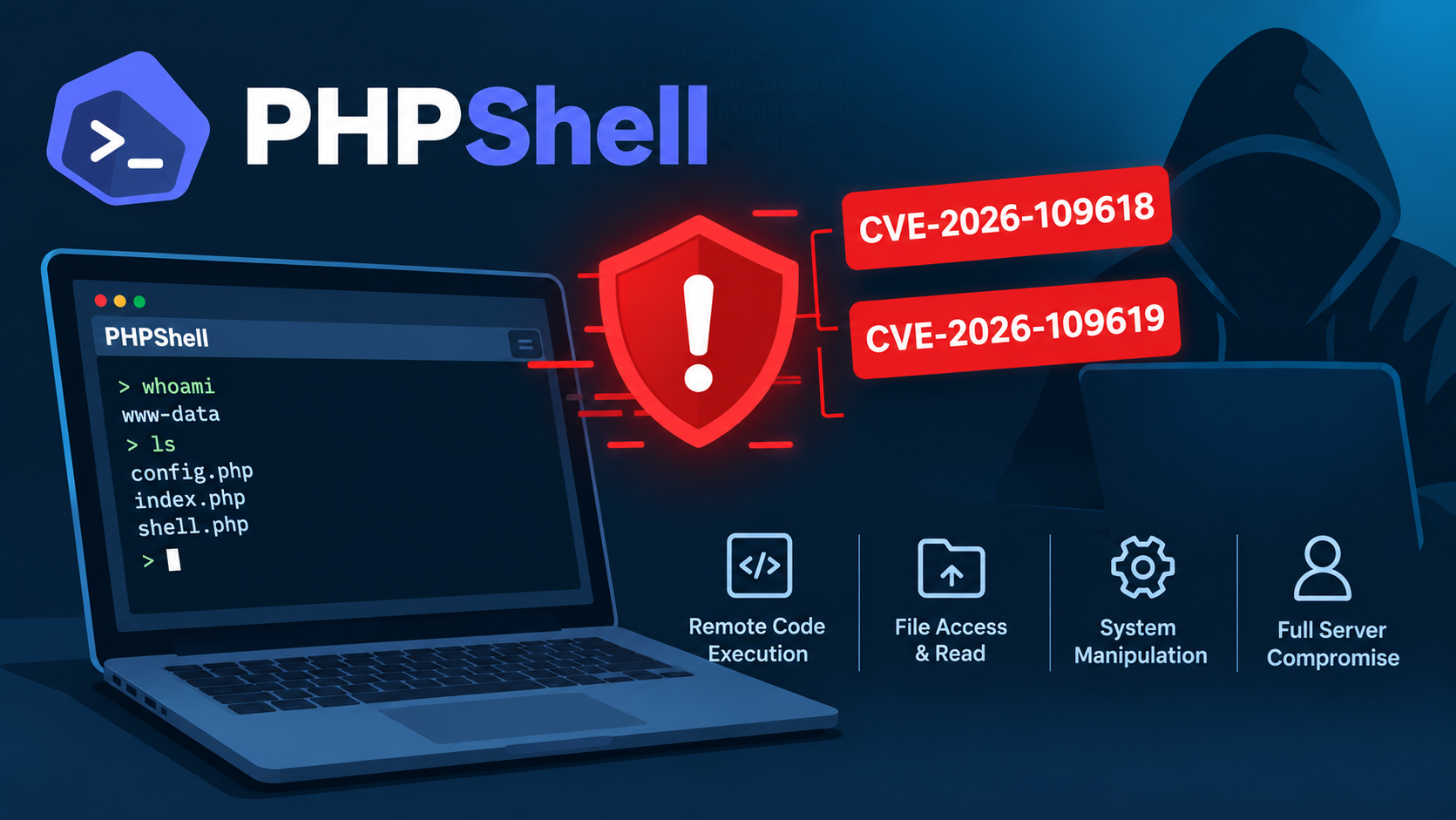
This week, the PHP project shipped emergency patches for PHP2Shell, two critical remote code execution vulnerabilities (CVE-2026-109618 and CVE-2026-109619). They let an unauthenticated attacker run code on a server with nothing more than a crafted web request. Both carry a CVSS v4.0 score of 9.2, every earlier release is affected, and exploitation in the wild has been reported. Both flaws come from the same root cause: PHP can leave its memory corrupted when a request ends abnormally. Fixes are in PHP 8.5.12, 8.4.27, 8.3.36 and 8.2.35, and PHP 8.1 and earlier are no longer supported by the PHP project. php2shell responding to cve 2026 109618 and cve 2026 109619 +2

Patching is the easy part. The hard part is knowing which of your applications run PHP, and which version. That’s where CAST Highlight helps: because it analyzes source code across your entire portfolio, it can surface every PHP version your applications declare in minutes, so security and app teams know where to look first. Here’s how 👇
With CAST Highlight, you can get a first answer in minutes, using the Proprietary Components capability:
- At the portfolio level, go to Software Composition > Proprietary Components
- Set Component Category to Unknown. This lists every dependency not mapped to a known component in the SCA knowledge base
- Search for PHP. You’ll see the number of versions and the number of applications using it
- Click the Versions count to see every PHP version declared (often as a version range) and the applications that use it
👉 Any application declaring a PHP version below 8.2 should be investigated, to confirm which version is actually running on its server.
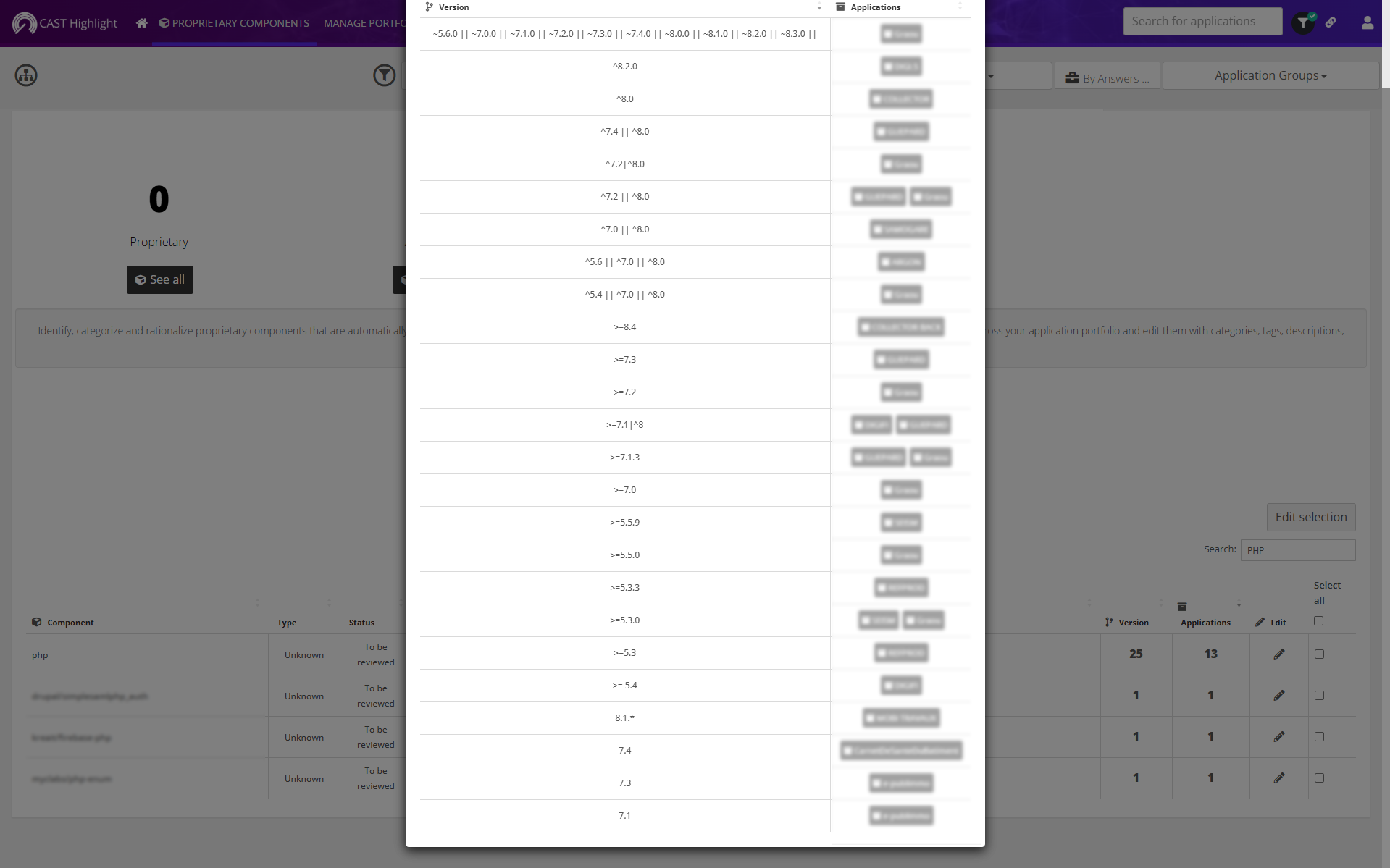
OK, it’s not a 100% accurate answer: the version declared in source code isn’t always the one deployed in production. But as a fast, portfolio-wide way to know where to look first, it’s hard to beat.
Leave a Reply